Best M3U Playlist for Streaming — 40,000+ Channels in 4K | IPTVZebraline
Premium Streaming Playlist — Instant Activation

Best M3U Playlist for Streaming — 40,000+ Channels in 4K on Every Device

IPTVZebraline delivers the most complete streaming playlist available — 40,000+ live channels, 170,000+ movies in true 4K and all sports with zero blackouts. Your personal URL is delivered within 10 minutes. Works on TiviMate, IPTV Smarters Pro and every major device from $14.99/month with a 7-day money-back guarantee.

LIVE
00:00
HDR
4K
M3U PLAYLIST
Premium Streaming List — 40,000+ Channels · True 4K
URL READY
Delivered in 10 Minutes · Works on All Devices
ALL PLAYERS
TiviMate · Smarters Pro · VLC · Every App
ALL SPORTS LIVE
NFL · NBA · UFC · Premier League · Zero Blackouts
FROM $14.99/MO
Best Streaming List — No Contract · 7-Day Guarantee
M3U
URL
Player
Sports
Price
M3U Playlist Premium Streaming Playlist — 40,000+ Channels · True 4K · From $14.99/month Now
IPTVZebraline
M3U Playlist
URL Ready
40,000+ Channels
True Native 4K
All Sports Live
170K+ Movies
No Contract
From $14.99
M3U Playlist
URL Ready
40,000+ Channels
True Native 4K
All Sports Live
170K+ Movies
No Contract
From $14.99
40K+
Channels
4K
True Native Quality
10 Min
URL Delivery
$14.99
Per Month Only
Premium Streaming Playlist
40,000+ Live Channels
True Native 4K
Zero Blackouts
7-Day Guarantee
What Is M3U

What Is an M3U Playlist and How Does Streaming Work
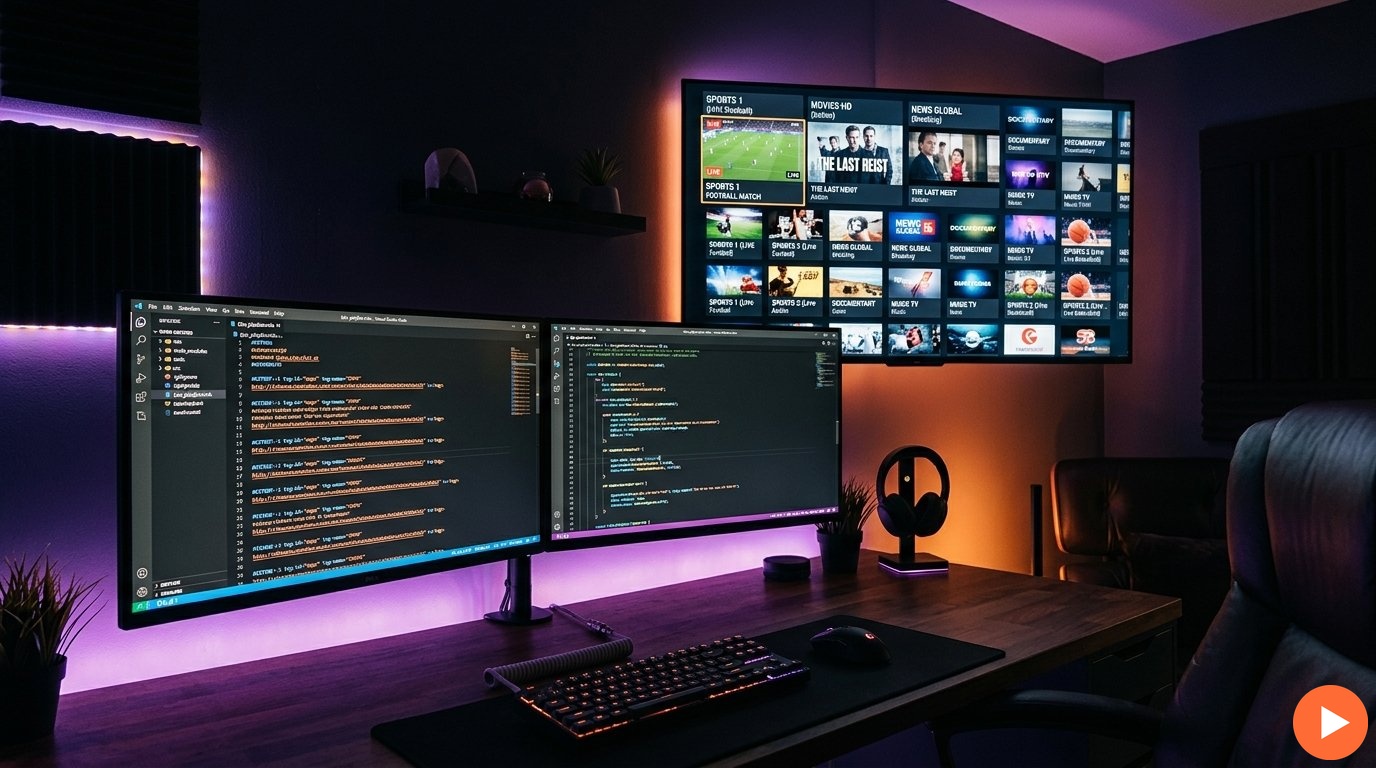
M3U playlist streaming setup — IPTVZebraline channel list delivering 40,000 channels in 4K on TiviMate and IPTV Smarters Pro

IPTVZebraline — premium streaming channel list from $14.99/month

An M3U playlist is the universal standard format for delivering channel lists over the internet. It is a simple text file — or more commonly a URL — that contains a structured list of every channel available in your subscription. Your media player reads this list and streams each channel directly to your screen in real time. According to Wikipedia, this format is the most widely supported playlist format in media players worldwide — which is why it became the standard for streaming delivery.

When you subscribe to IPTVZebraline, you receive a personal streaming URL — a single link that contains your entire channel list of 40,000+ streams. Enter this URL into any compatible media player and every channel loads instantly in true native 4K. No separate setup for each channel. No manual configuration. One link — complete access.

This format works identically across every supported device — Firestick, Samsung Smart TV, LG Smart TV, iPhone, Android, PC and Mac all read the same URL and deliver the same true 4K quality. Your credentials never change — the same link activates on every screen you own simultaneously.

Get your streaming URL in under 10 minutes. 40,000+ channels, 170,000+ movies in true 4K and all sports — all in one channel list from $14.99/month. Subscribe today — 7-day money-back guarantee.

How the Streaming Playlist Format Works

The playlist format is simple — a structured list that your player reads to deliver every channel. Here is what a channel list looks like and what each line means.

IPTVZebraline — Streaming Playlist Format
# Extended Playlist Header
#EXTM3U ← Required first line — identifies this playlist format
 
# Channel Entry Example — Sports
#EXTINF:-1 tvg-name=“NFL RedZone” group-title=“Sports”,NFL RedZone 4K
https://stream.iptvzebraline.com/live/username/password/channel_id.m3u8
 
# Channel Entry Example — Movies
#EXTINF:-1 tvg-name=“Cinema 4K” group-title=“Movies”,Cinema 4K Premium
https://stream.iptvzebraline.com/live/username/password/channel_id.m3u8
 
# Your personal streaming URL — activates all 40,000+ channels
http://iptvzebraline.com:8080/get.php?username=YOUR_USER&password=YOUR_PASS&type=m3u_plus

The streaming URL you receive from IPTVZebraline contains all 40,000+ channels pre-organised into categories — Sports, Movies, News, Entertainment, Kids and International. Your media player automatically sorts these categories into a navigable guide identical to a cable TV interface. Every channel is tagged with its name, logo and programme guide data — so you always know what is playing and what is coming next.

Your channel list is updated automatically in real time. When new channels are added to the library, they appear in your playlist immediately — without requiring any action on your part. Dead links are replaced within minutes. New sports events are added to the sports category as they are scheduled. The list you receive today is not static — it is a live, continuously maintained channel library that grows with your subscription.

Your Streaming URL — One Link for Everything

IPTVZebraline delivers a single URL that activates your entire subscription — 40,000+ channels, 170,000+ movies and all sports simultaneously on every device you own. No separate files for different devices. No per-device configuration. One link entered once into your media player of choice — and your complete streaming library is available on every screen. Get your streaming URL today from $14.99/month.

Best Players

The Best Media Players for Your Streaming List

IPTVZebraline’s streaming link works with every major media player. These three are the most recommended — each delivers the full 40,000+ channel experience in true 4K.

TiviMate
The best player for Firestick and Android TV. Full EPG guide, catch-up TV and multi-stream support. Enter your streaming link once and access all 40,000+ channels instantly in a premium cable-style interface.
Recommended for Firestick & Android TV
IPTV Smarters Pro
The top player for iPhone, iPad and Android. Supports streaming links and Xtream Codes. Clean interface with EPG, VOD library and multi-screen support. Compatible with every IPTVZebraline feature.
Recommended for iPhone & Android
VLC Media Player
The universal player for Windows and Mac. Free, open-source and supports streaming links directly via File → Open Network Stream. No additional setup required — paste your link and start streaming immediately.
Recommended for PC & Mac

All three players above support the standard format delivered by IPTVZebraline without modification. The same link works across all of them — enter it into TiviMate on your Firestick, Smarters Pro on your iPhone and VLC on your laptop simultaneously. One subscription. Every player. Every device. At the same time.

How to Set Up Your Streaming Playlist in 3 Steps

Setting up your channel list with IPTVZebraline takes under 10 minutes. No technical knowledge required — just subscribe, receive your link and enter it into your player.

1
Subscribe & Get Your Link
Choose your plan from $14.99/month at iptvzebraline.com. Pay securely via Bitcoin, Ethereum or USDT. Your personal streaming URL is delivered automatically within 10 minutes — available 24/7 including weekends.
Under 10 minutes
2
Open Your Media Player
Download TiviMate (Firestick/Android TV), IPTV Smarters Pro (iPhone/Android) or VLC (PC/Mac). All three are free to download and support streaming link input directly from the app settings or network stream option.
2 minutes
3
Enter URL & Start Streaming
Paste your playlist link into the player. All 40,000+ channels load immediately in true 4K — organised by category with full EPG guide. Sports, movies, news and entertainment — all available from the moment you enter the URL.
Instant access

The playlist format was specifically designed for simplicity — a single URL delivers your entire subscription without requiring any additional configuration. IPTVZebraline’s link includes full metadata for every channel — names, logos, EPG programme guide data and category organisation — so your player presents a complete, navigable channel guide immediately after the URL is entered. No manual channel editing. No missing logos. No incomplete programme guides. The channel list works perfectly out of the box.

Get your streaming link in under 10 minutes. 40,000+ channels, all sports and 170,000+ movies — one link, every device, true 4K. From $14.99/month with a full 7-day money-back guarantee. Subscribe now.

Compatible Devices

Streaming Playlist — Works on Every Device You Own

The format is the universal standard — supported on every major streaming device simultaneously. One link from IPTVZebraline activates on all your screens with no per-device fees.

Firestick
TiviMate · URL · 4K
Samsung Smart TV
Native App · Direct 4K
LG Smart TV
WebOS · Link · 4K HDR
iPhone & iPad
Smarters Pro · URL
Android
All versions · Link
Windows PC
VLC · URL · Any monitor
Mac
VLC · Link · Full 4K
Android TV Box
MAG · Formuler · 4K

The streaming format works identically across every device listed above. Whether you are entering the link into TiviMate on a Firestick, Smarters Pro on an iPhone or VLC on a Windows PC — the same URL delivers the same 40,000+ channels in the same true 4K quality. No separate files for different devices. No device registration. No simultaneous stream limits. Your subscription covers every screen in your home under one plan.

One Streaming URL — Unlimited Screens

IPTVZebraline places no limit on the number of devices using your link simultaneously. Stream the NFL on your Firestick while your phone follows a different match and your laptop plays a 4K movie from the VOD library — all from the same subscription at the same time. No per-screen fees. No stream limits. No extra configuration. Get your streaming URL from $14.99/month.

Get Your Streaming URL — Plans from $14.99

Every IPTVZebraline plan includes your personal streaming link with 40,000+ channels, 170,000+ movies in true 4K and all sports. No feature locks. Instant URL delivery. 7-day money-back guarantee on every plan.

1 Month
$14.99
URL + full access
7-Day Guarantee
Get URL Now
3 Months
$27.99
total · $9.33/mo
Save 37%
Get URL Now
6 Months
$45.99
total · $7.66/mo
Save 49%
Get URL Now
12 Months
$75.99
total · $6.33/mo
Save 57%
Get URL Now
FAQ

Streaming Playlist — Frequently Asked Questions

An M3U playlist is a universal format that contains a structured list of streaming channels. You receive a personal URL that activates 40,000+ channels when entered into a media player like TiviMate or IPTV Smarters Pro. IPTVZebraline delivers your streaming link within 10 minutes of subscription.
TiviMate is the best player for Firestick and Android TV with full EPG support. IPTV Smarters Pro is top for iPhone and Android. VLC is the best free option for Windows and Mac. All three work perfectly with IPTVZebraline’s streaming URL.
Subscribe to IPTVZebraline from $14.99/month and your personal streaming URL is delivered automatically within 10 minutes. Enter it into any compatible player and access 40,000+ channels in true 4K instantly.
Yes. IPTVZebraline’s streaming list includes NFL, NBA, UFC, Premier League, Champions League, Formula 1 and every major sport in true 4K with zero blackouts. All sports are organized in the Sports category with no extra packages.
IPTVZebraline places no limit on simultaneous devices. Stream on your Firestick, iPhone and laptop at the same time from the same link with no per-device fees and no extra configuration.
Free lists exist but come with dead channels, no 4K quality and no support. IPTVZebraline’s premium channel list starts at $14.99/month with 40,000+ verified channels, 99.9% uptime and a 7-day money-back guarantee.
Yes. The format works on Samsung Smart TV, LG Smart TV and all Android TV devices. Enter your streaming link into a compatible Smart TV app and all channels load instantly in true 4K without sideloading.
STREAMING
Premium Streaming Playlist

Get Your Streaming URL in Under 10 Minutes

40,000+ channels. 170,000+ movies in true 4K. All sports zero blackouts. Works on TiviMate, Smarters Pro and every device. From $14.99/month — no contract.

Streaming URL Included
40,000+ Channels
True Native 4K
Zero Blackouts
7-Day Guarantee
No Contract
Get Your Streaming URL — From $14.99
7-day money back No contract Instant URL 24/7 support
Related Guides

More Streaming Guides